The shopping portal that earned me $3,000 back



 Reading Time: 5 min
Online shopping portals are one of the easiest ways to earn rewards on purchases you were already planning to make. While there are many platforms out there, the Capital One Shopping Portal has been my favorite option recently — and for good reason.
Over the past six months, I’ve been all in on using the Capital One Shopping portal at a variety of retailers and have earned more than $3,000 back simply by clicking through the portal or activating offers before checking out. It’s become a regular part of my shopping routine, and the minimal amount of extra effort has been well worth it.
And right now, new members to Capital One Shopping will receive a $40 bonus.
Sign up for Capital One Shopping here

In case you missed it...
This trick can turn two small balances into a flightYou don't need a Capital One card
One of the most appealing aspects of Capital One Shopping is that you do not need to have a Capital One credit card to use it. Anyone can sign up for a free Capital One Shopping account using an email address.
Capital One Shopping can be accessed in a few different ways, including:
- The Capital One Shopping website
- The Capital One Shopping browser extension
- Email offers sent directly to your inbox
Once installed or logged in, the portal automatically alerts you when rewards are available at supported retailers.
3 ways to earn rewards
I've found the payouts through Capital One Shopping to be higher than many other portals, which is why I keep coming back to it. Using the portal is also straightforward, which is an extra perk.
Here's how it can earn you money back:
Shopping through the portal
The most common way to earn is by clicking through the Capital One Shopping app or website before making an online purchase. Retailers offer varying reward rates, which can change frequently. Once you activate an offer and complete your purchase, rewards typically track automatically.
Often, the portal offers a single deal of the day, where I've seen plenty of retailers offering 30% to 50% back. And this is at many well-known and popular merchants.
For example, I took advantage of a heightened StubHub offer in November — offering a 45% payout — and combined it with the Chase Sapphire Reserve StubHub credit of $150. So my $833.80 Lady Gaga tickets ultimately only cost me about $300 — an amount I was far more comfortable paying.
Browser extension offers
The browser extension is especially useful because it pops up when you’re shopping online and notifies you if rewards are available at that retailer.
In many cases, it will also suggest available coupon codes that can be applied at checkout, and even add them automatically.
I’ve found this particularly helpful when I've forgotten to go through a shopping portal from the start — it’s a reminder to activate rewards before I click “buy.”
Targeted and email offers
Capital One Shopping also sends targeted offers via email, which can sometimes be significantly higher than what’s publicly available through the portal. These are usually tied to specific retailers or items and can be a great way to earn extra rewards on planned purchases.
I've found that after spending time browsing at a certain retailer — and without making a purchase — a targeted email often ends up in my inbox. And many times, the payout could be 30%+ more than the initial rewards offer.
For example, a few weeks ago, I was clicking around the Kendra Scott website, and within a few hours I received a targeted offer for 70% back! This was huge as I had many items I was looking to purchase as gifts, and with a 70% reward payout, it was a no-brainer.
7 must-have safety gadgets for travelers
Unfortunate things always have the chance of happening, especially when you're in an unfamiliar area. Luckily, many precautionary tools can help ensure your safety during your next trip. They're often quite affordable to boot. Here are a few essential safety devices that will ensure your trip is enjoyable, but also keep you out of harm's way.
Check out these gadgets to stay safe while on the road!How I earned over $3,000 back
Using Capital One Shopping consistently has added up over time. From everyday purchases to larger-ticket items, I’ve earned over $3,000 simply by activating offers before checkout.
For the most part, these are purchases I would have made anyway, which makes the extra rewards feel like found money rather than something I had to go out of my way to earn.

I've also found that sometimes the app and the website show two different offers. So if you're really looking to maximize your return, check both. Or really, wait a few hours to see if a targeted offer hits your inbox.
I find the tracking component to be spot on, with the transaction typically hitting my account within a day. I also appreciate that it tells me the expected payout date, which I've found to be typically within 4 to 8 weeks of my purchase.
In my experience, I've yet to have a purchase not track or be declined, although I've read some reports stating otherwise.
Sign up for Capital One Shopping here
How to redeem rewards
Unlike many other cash-back shopping portals, Capital One Shopping rewards can only be redeemed for gift cards at many third-party merchants.
With over 100 retailer gift cards available, the gift options are broad enough that most people can easily find value — but this is something to keep in mind when using this specific portal. If you'd prefer pure cash back, there are other shopping sites that might be a better fit.
I personally have been cashing out for Marriott gift cards, since I'm throwing a large function at a local Marriott in a few months. But other gift card options (at the moment) include: The Gap, Ikea, Etsy, StubHub, Zappos, Ulta Beauty, REI, Land's End, L.L. Bean, and many more.
An easy win
For anyone who shops online regularly, the Capital One Shopping portal is an easy win. By stacking portal rewards with credit card earnings, coupon codes, and price tracking, you can consistently lower your out-of-pocket costs without changing your buying habits, or even needing a Capital One credit card. Based on my own experience and the rewards I’ve earned so far, it’s a tool well worth adding to your shopping routine.
Keep your electronics charged while traveling
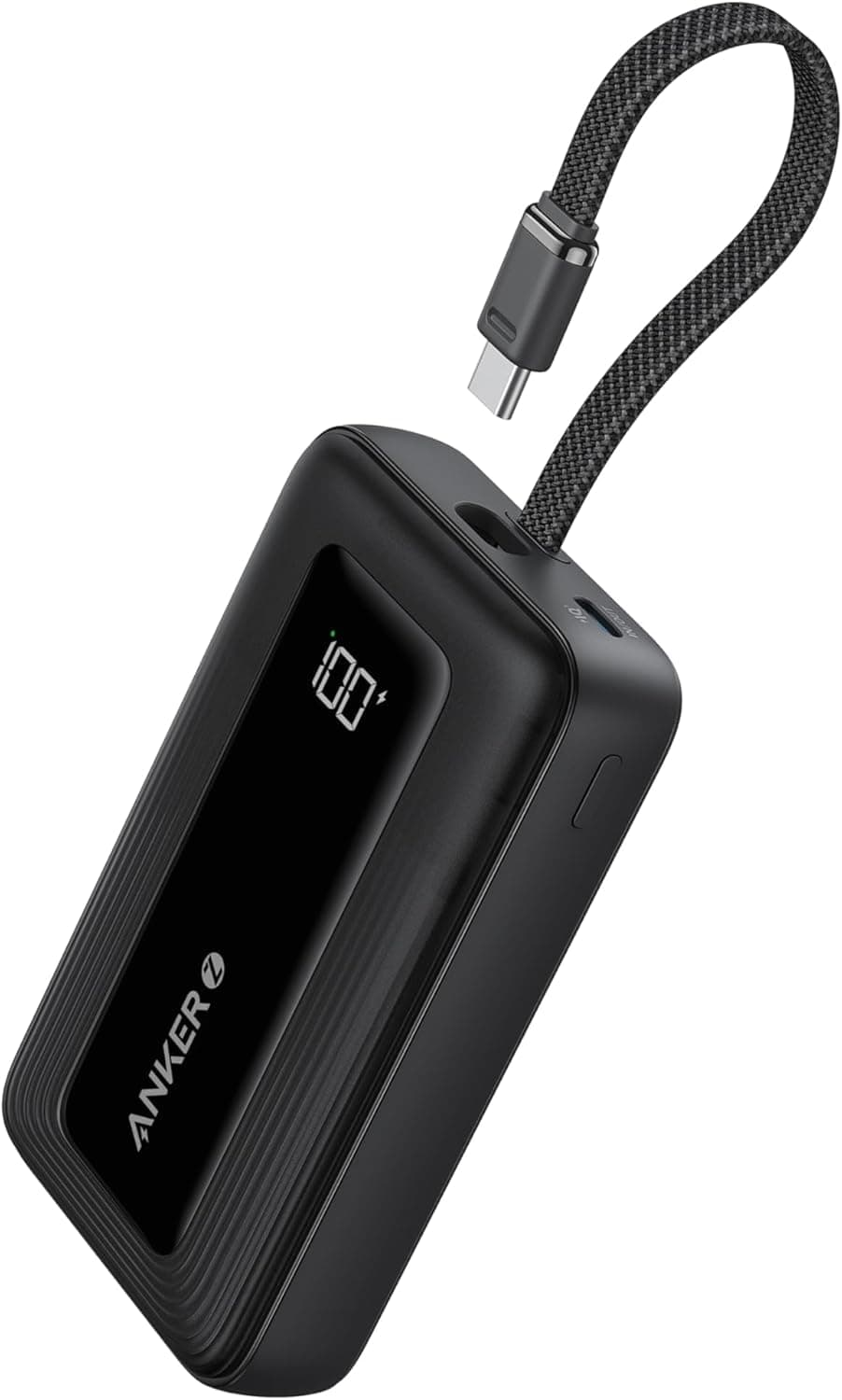
It's a top priority when traveling with electronics (and who doesn't travel with electronics today?) to make sure your devices are always charged. With the Anker Zolo Power Bank, you can charge up to three devices at once, and its sleek-looking design comes in four different colors.
Get it at Amazon!